
Introduction & Context
In our modern era, our lives are inextricably linked to the digital world. From banking information and medical records to property deeds and personal identification, the vast majority of our vital data exists in a cloud-based or digital format. When a crisis strikes—whether it is a natural disaster, a localized utility failure, or a broader societal emergency—the vulnerability of this digital footprint becomes a significant liability. While most preparedness guides focus on physical supplies, Emergency Go Bag Cybersecurity is a fundamental, yet often neglected, pillar of comprehensive survival planning.
Why does this matter? During chaotic events, identity theft and data breaches can skyrocket. Furthermore, if you are forced to evacuate, you may lose access to your home office, your primary computer, or the physical paper trail you rely on for identity verification. By integrating cybersecurity measures into your go bag strategy, you ensure that you can prove who you are, access your financial resources, and protect your family’s sensitive data even when the grid is compromised. This guide is designed for the proactive individual who understands that being prepared means securing both the physical and the digital realms.
Key Takeaways & Core Concepts
Understanding the intersection of survival and data protection requires a shift in mindset. You are not just protecting hardware; you are protecting your ability to function in a post-emergency society. Consider these core concepts as you build your digital kit:
- Encryption as Armor: Any digital device in your go bag must use full-disk encryption. Without it, a lost or stolen drive is an open book to anyone who finds it.
- Redundancy vs. Accessibility: You need enough redundancy to survive a hardware failure, but not so much that your information becomes unmanageable. Balance is key.
- The Analog Safety Net: Digital tools are powerful, but they should always be backed up by a physical “cold-storage” folder containing essential documents.
- Zero-Trust Mindset: In a disaster scenario, never assume that public Wi-Fi or local networks are secure. Operate under the assumption that all external connections are hostile.
- Authentication Security: Use hardware security keys instead of relying on SMS-based two-factor authentication, which may fail if cellular towers are down.
By mastering these concepts, you transform your electronic gear from a potential liability into a robust tool for recovery. For more on how to manage your physical gear, you can review our guide on Emergency Go Bag Organization, which provides the framework for keeping your tech components accessible and orderly.
Actionable Step-by-Step Guide
Step 1: Selecting Secure Hardware
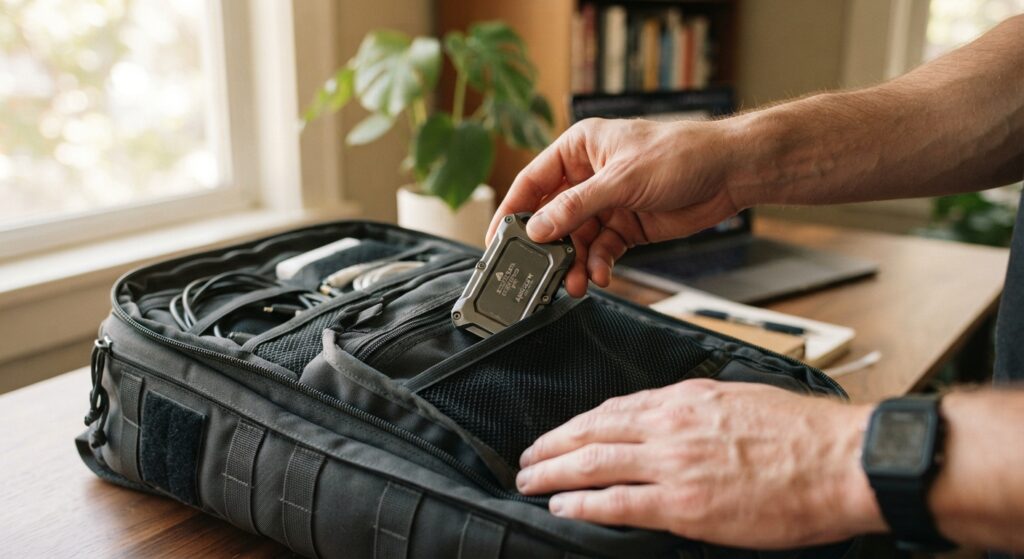
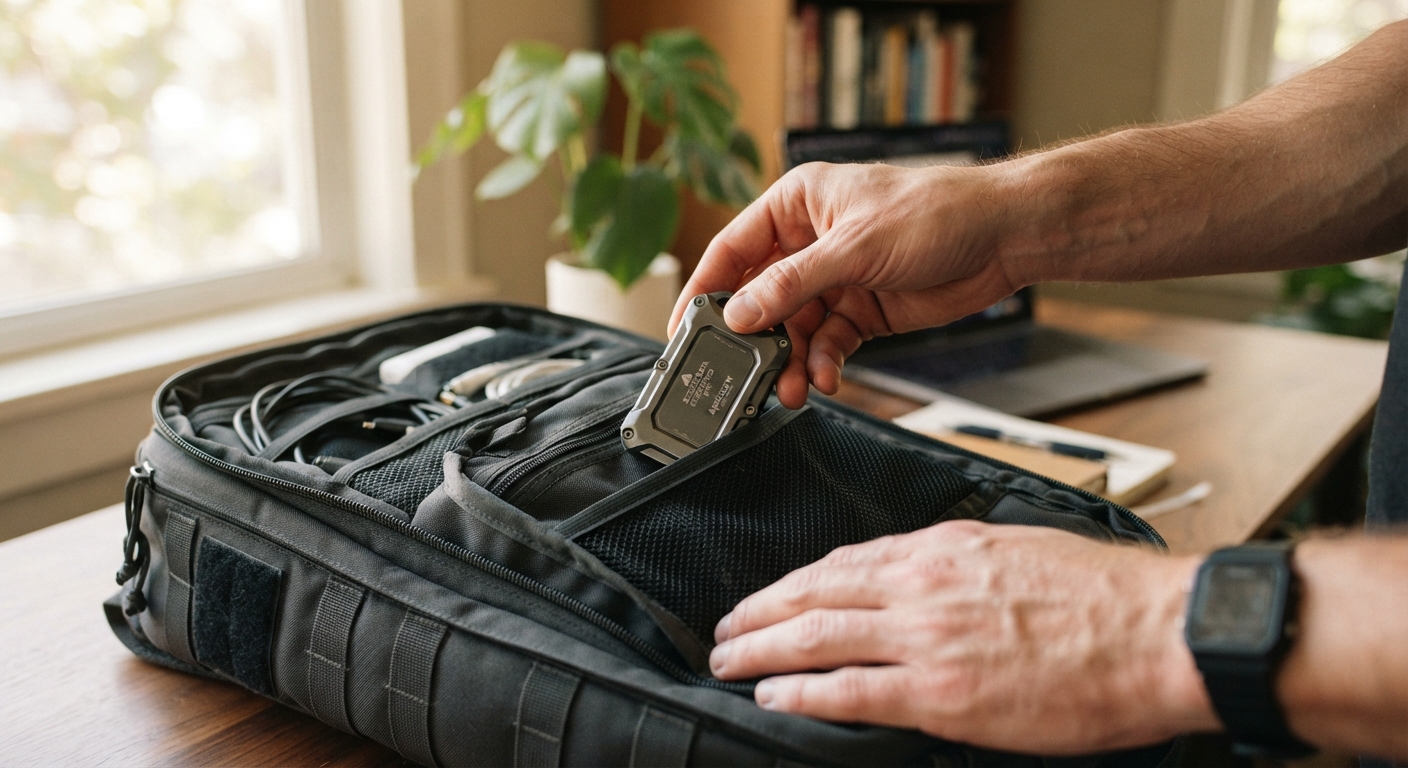
Choose a ruggedized, encrypted external hard drive or a high-capacity encrypted USB flash drive. These devices should be waterproof and shockproof. Avoid standard consumer-grade drives that lack built-in AES-256 hardware encryption. Brands like IronKey or similar FIPS-certified devices are the gold standard for portable security.
Step 2: Digitizing Your Vital Documents
Scan all essential documents: passports, birth certificates, insurance policies, and medical history. Organize these into a folder structure that is intuitive. Before loading them onto your drive, ensure the folder is encrypted. You can learn more about the importance of managing these records in our article on Emergency Go Bag Documentation.
Step 3: Implementing Hardware Authentication
Move away from phone-based 2FA. Purchase a hardware security key, such as a YubiKey. These devices are physically required to log into your most important accounts, ensuring that even if your password is stolen, your account remains secure. You can find more information on securing your digital life through the Federal Trade Commission’s cybersecurity resources.
Step 4: Maintaining Your Digital Kit
Digital maintenance is just as important as physical maintenance. Every six months, verify that your drive is still readable, update your encrypted files, and ensure your hardware keys are functioning correctly. If you neglect this, you may find your data inaccessible when you need it most. For broader maintenance tips, check our Emergency Go Bag Maintenance guide.
Frequently Asked Questions
Should I store my passwords in a text file on my encrypted drive?
No. Using a dedicated, offline password manager is much safer. Export your vault from your password manager and keep a backup on an encrypted drive, but never store passwords in plain text.
What if I lose my hardware security key?
Always maintain a secondary, backup hardware key stored in a separate, secure location, such as a fireproof safe at a friend’s house or a bank deposit box.
Is cloud storage enough for emergency preparation?
Cloud storage is excellent for daily use, but it is unreliable during a disaster. If the internet is down, your cloud data is effectively gone. Always keep a local, encrypted offline copy.
How do I ensure my encrypted drive doesn’t get corrupted?
Store your drives in Faraday bags to protect against electromagnetic interference and keep them in a temperature-controlled, dry environment. Learn more about protecting your gear at Ready.gov.
Conclusion & Summary
Emergency Go Bag Cybersecurity is not just for tech experts; it is a vital component of modern survival. By encrypting your data, utilizing hardware-based authentication, and maintaining a rigorous backup schedule, you protect your identity and your family’s future. Remember, physical gear keeps you alive in the immediate aftermath, but your digital records are what allow you to recover and rebuild your life in the long term. Start by auditing your digital footprint today, secure your essential documents, and ensure your survival kit is truly complete.
